Online Documentation for SQL Manager for PostgreSQL
Selecting multiple objects
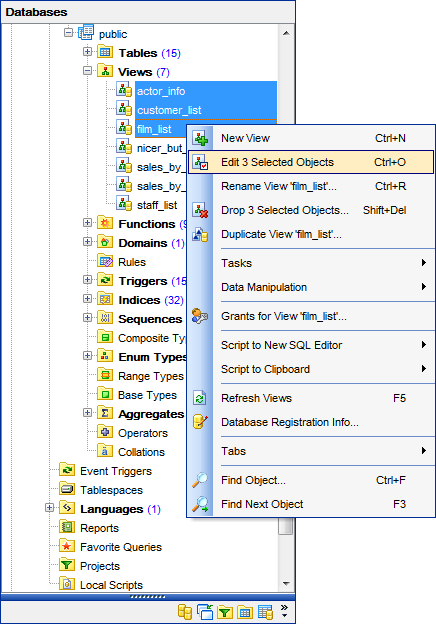
You can select more than one object in Database Explorer by pressing the Ctrl or the Shift key and selecting multiple objects one by one.
The context menu of several selected objects allows you to:
- create a new database object of the same type;
- edit the selected objects;
- drop the selected objects;
- add the DDL of the selected objects to the AI Assistant context (AI Assistant | Add object DDL to chat);
- perform other operations with the current object (see Operations with database objects).
Hint: You can move several objects to your Favorite objects: just drag and drop the selected objects to the previously created subfolder within the Favorite objects node of DB Explorer.