

Online Documentation for SQL Manager for PostgreSQL
Selecting settings
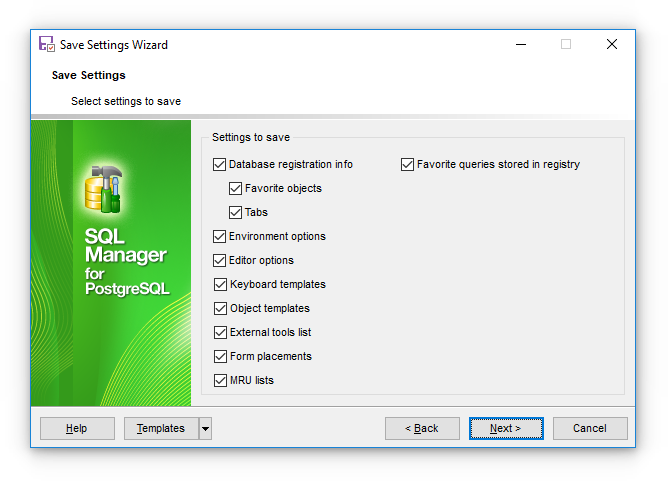
This step of the wizard allows you to specify the information you need to be saved to the result file: Database registration info, Favorite objects, Tabs, Environment options, AI provider endpoints, Editor options, Custom templates, External tools list, Form data, MRU lists, Favorite queries.
Note: API keys for LLM providers are stored encrypted by the Windows Data Protection API, which ties them to the current user account on the current computer. Registered providers are saved to the settings file only if the AI provider endpoints option is selected (it is cleared by default). Even then, the keys are exported in a form that cannot be read on another computer or under a different account, so after importing such a file you will need to enter the keys again.
Press the Next button to proceed to the next step of the wizard.