
Online Documentation for SQL Manager for PostgreSQL
Add Image to Table
Adding images to table is possible only if table contains at least one BLOB field.
To add image to table, open the table on the Data tab, go to the BLOB View section (the navigation buttons are located in the bottom part of the window) and then proceed to the Image tab. If there are several BLOB fields, choose the required field
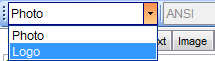
from the Select BLOB Column drop-down list on the toolbar of the Blob View tab and press the  Load from File button on the same toolbar. Choose the needed image file in the appeared dialog.


































































