
Online Documentation for SQL Manager for InterBase/Firebird
Connecting to databases and hosts
When the InterBase/Firebird host is registered, and the database registration is complete, you can establish connection to your database.
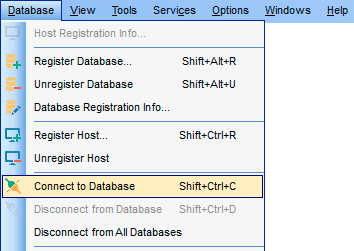
The simplest way to connect to a database is to double-click its alias in the Database Explorer tree. The same operation can be performed by selecting the Connect to Database or Safe Connect item of the database context menu, or by using the Database | Connect to Database main menu item.
Safe Connect provides a secure connection to the database using the isc_dpb_no_db_triggers parameter.
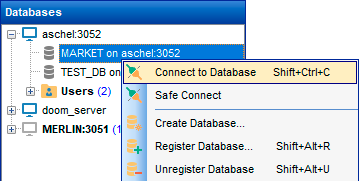
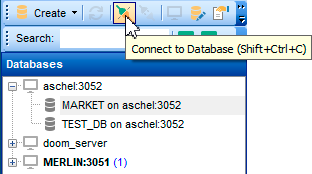
Alternatively, you can use the Shift+Ctrl+C shortcut, the  Connect to Database ( Connect to Host), or the Safe Connect toolbar buttons.
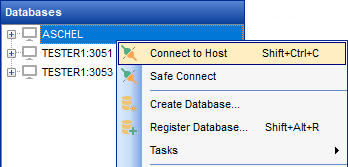
Before working with server-scoped objects and services, a host connection must be established by selecting the Connect to Host item of the host context menu, or by using the Database | Connect to Host main menu item.
|
See also: |


































































