
Online Documentation for SQL Manager for PostgreSQL
Session settings
The Session Settings section of the Database Registration Info dialog allows you to define specific server parameters according to your needs.
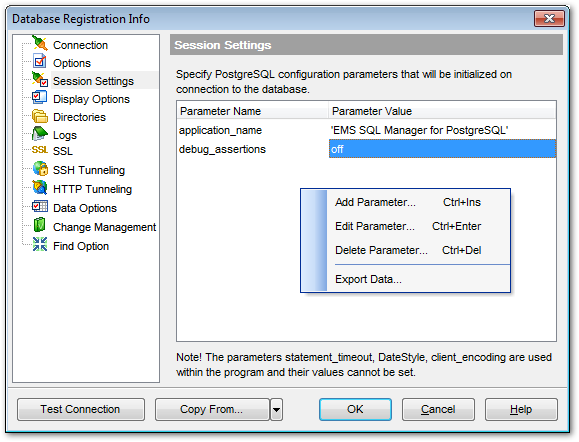
Right-click an item within the list to call the context menu allowing you to add/edit/remove a parameter and export parameters list to a file of preferable format by means of the Export Data Wizard.
The following dialog appears on adding or editing parameters.
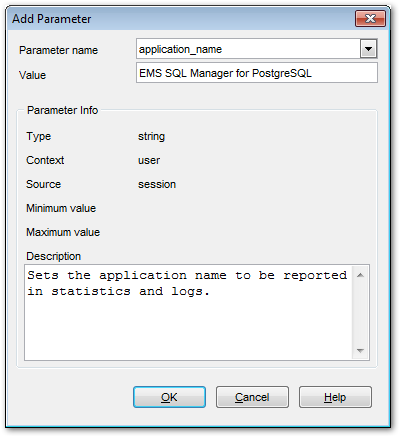
This dialog allows you to change the parameter name, set its value, browse parameter info and supply a description, if necessary.
To obtain more information on specific parameters, refer to PostgreSQL documentation.

































































