

Online Documentation for SQL Manager for PostgreSQL
Selecting databases
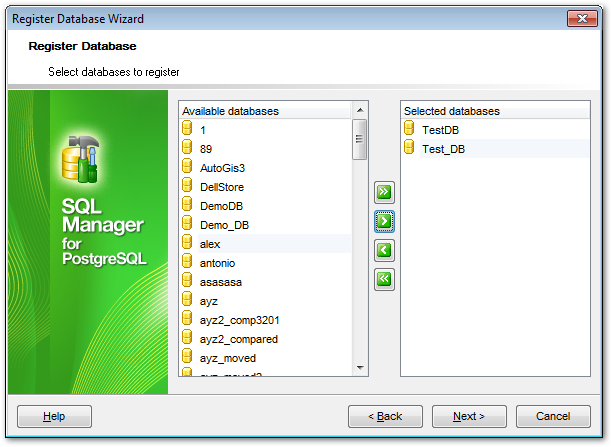
This step of the wizard allows you to select the database(s) that reside on the host to register in SQL Manager.
To select a database, move it from the Available databases list to the Selected databases list. Use the 


 buttons or drag-and-drop operations to move the databases from one list to another.
If a database is created by executing a script in the SQL Script editor, then the Register Database dialog appears.
Move the required databases to the Selected databases list of the window and click OK to register them.
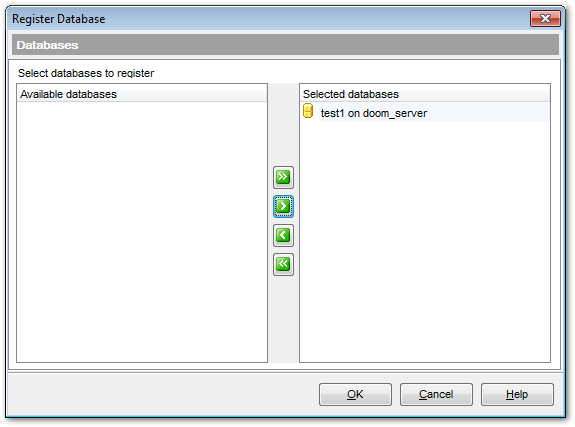
Note: This dialog appears only if the Register newly created databases option is enabled in the SQL Script section of Environment Options.
Note: In the Lite version you can register only five databases.
Click the Next button to proceed to the Setting specific options step of the wizard.

































































