

Online Documentation for EMS SQL Management Studio for InterBase/Firebird
Localization
If you did not select the program interface language when you started SQL Management Studio for InterBase/Firebird for the first time, or if you have decided to change the language settings, use the Options | Environment Options main menu item.
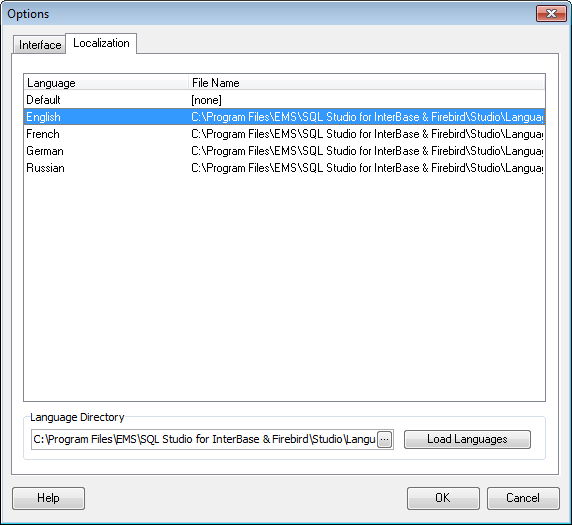
The Localization section of the Options dialog is provided for managing the localization files of SQL Management Studio for InterBase/Firebird.
You can create your own *.lng files similar to those available in the %program_directory%\Languages folder, add them to the list of available languages and set the new language as the program interface language.
Language Directory
Specify the directory where the *.lng files are stored by default.
Available Languages
Lists all the languages available for localization and the corresponding *.lng files.