

Online Documentation for EMS SQL Management Studio for Oracle
How to register SQL Studio
After installing SQL Management Studio for Oracle, you will be offered a 30-day evaluation period. The trial version of the software stays fully functional with some minor limitations. During the entire trial period, a dialog as shown below will appear.
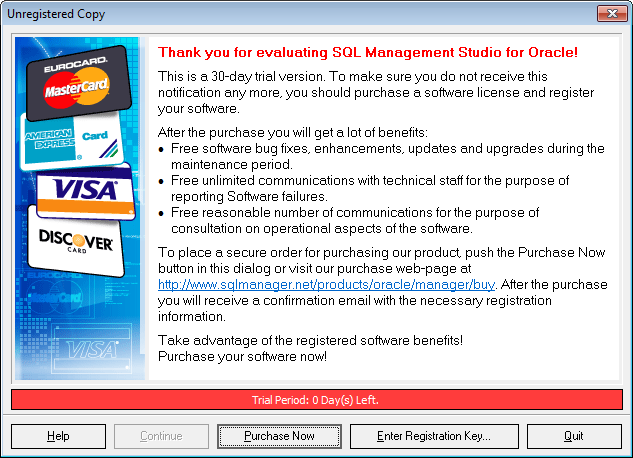
After the trial period expires, you will not be able to evaluate the software. Further usage of your SQL Management Studio for Oracle copy is only available after purchase and registration.
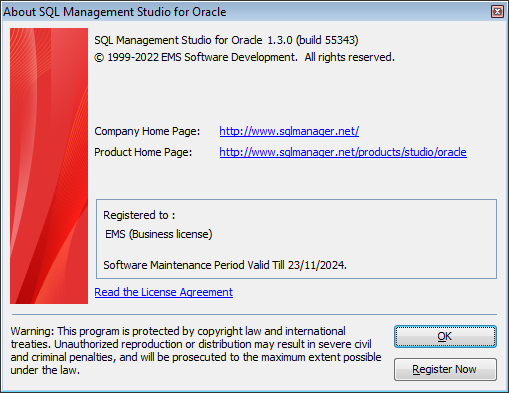
You can register your copy of SQL Management Studio for Oracle by selecting the Help | Register SQL Studio main menu item or by selecting the Help | About main menu item and pressing the Register Now button to call the Register SQL Management Studio for Oracle dialog.
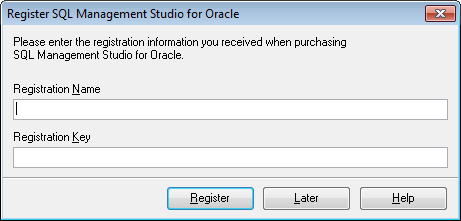
To register your newly purchased copy of EMS SQL Management Studio for Oracle, perform the following steps:
- receive the notification letter from PayPro Global with the registration info;
- enter the Registration Name and the Registration Key from this letter;
- make sure that the registration process has been completed successfully – check the registration information in the About SQL Management Studio for Oracle dialog (use the Help | About main menu item to open this dialog).
The Registration Key you receive includes a Maintenance license that is valid for a specific period. After your maintenance expires, you will not be able to update your software or get technical support. To protect your investment and have your software up-to-date, you need to renew your maintenance.
You can easily reinitiate/renew your maintenance with our on-line, speed-through Maintenance Reinstatement/Renewal Interface. After reinitiating/renewing you will receive a confirmation e-mail with all the necessary information.

































































