

Online Documentation for SQL Manager for Oracle
Specifying input parameters
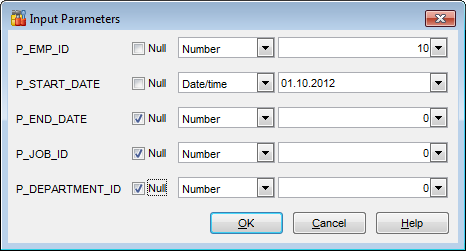
If the stored procedure (or user-defined function) has parameters, the Input Parameter dialog appears before the procedure execution. It allows you to specify the data type, ANSI/Unicode string and values for all procedure parameters. After changes are done, click the OK button to execute the stored procedure, or the Cancel button to abort the execution.
|
See also: |

































































