Online Documentation for SQL Manager for SQL server
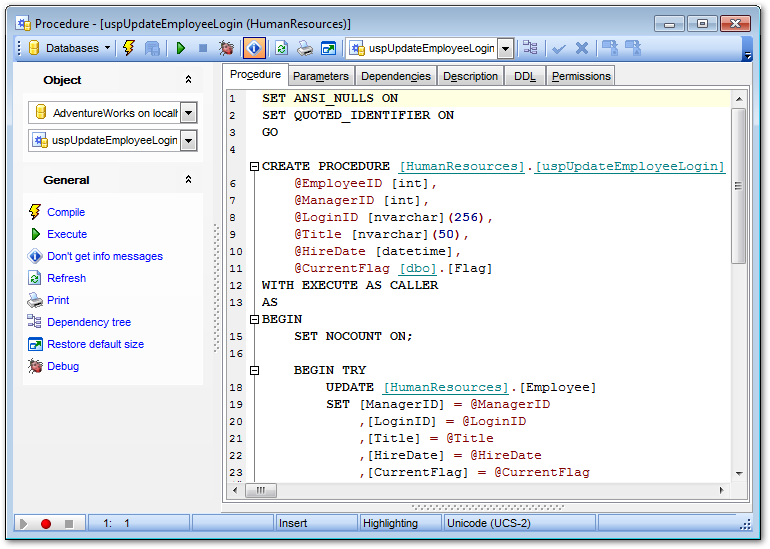
Use the Procedure tab of Procedure Editor to create/edit a stored procedure and specify its definition.
For your convenience the syntax highlight, code completion and a number of other features for efficient SQL editing are implemented. For details see Working with Query Data area and Using the context menu.
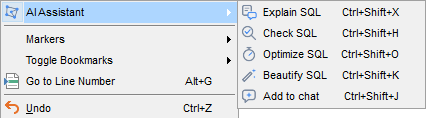
You can also work on the procedure definition with the help of the AI Assistant: the context menu of the editor provides the AI Assistant submenu, which lets you have the text explained, checked, optimized or formatted, or add it to the context of your next request.
To execute a procedure, you can use the  Execute item available within the Navigation bar.
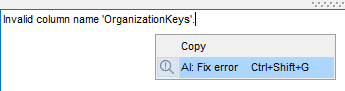
If an error occurs while the procedure is being executed, the context menu of the message area at the bottom of the editor provides the AI: Fix error item: the AI Assistant receives the error text together with the statement that caused it and suggests a fix.