

Online Documentation for EMS SQL Management Studio for InterBase/Firebird
Getting Started
SQL Management Studio for InterBase/Firebird enables you to contribute to efficient Interbase/Firebird administration and development easily and quickly using a variety of available tools.
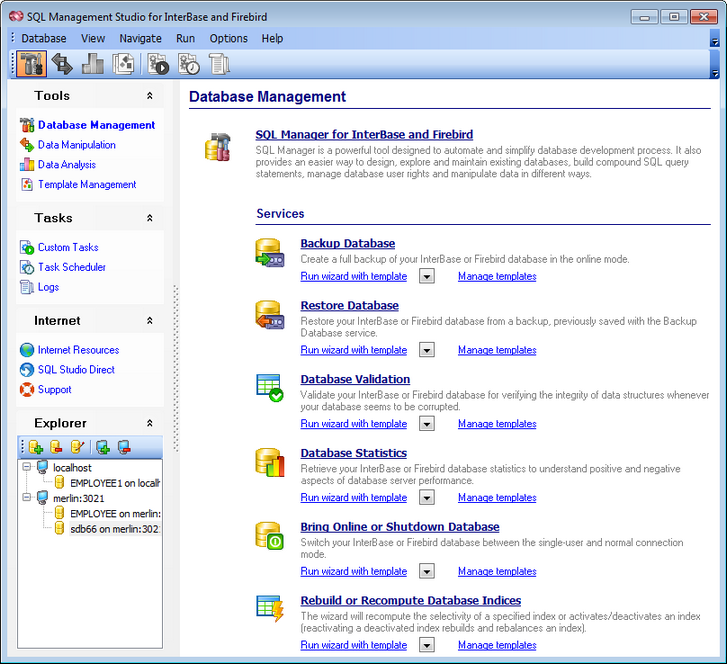
The following chapters of this document are intended to inform you about the tools implemented in SQL Management Studio for InterBase/Firebird. Please see the instructions below to learn how to perform various operations in the most efficient way.
- Using Studio Agent
- Selecting application language
- First time started
- Working with main menu
- Working with toolbars
- Using Desktop Panel
- Using Navigation bar
- Using DB Explorer
Enjoy your work with SQL Management Studio for InterBase/Firebird!
|
See also: |