
Online Documentation for SQL Manager for DB2
Visual Database Designer
Visual Database Designer is provided for visual presentation of databases, database objects and relations between objects. It also allows you to create, edit and drop tables and table fields, set relations between tables and perform other operations you may need to achieve your purpose.
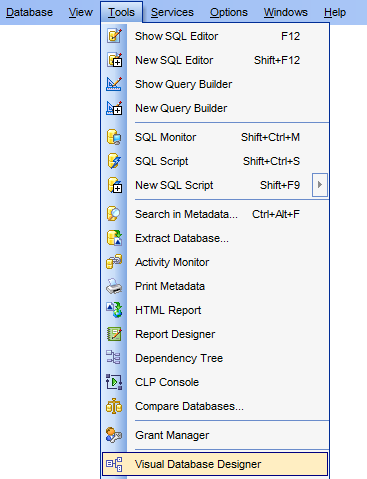
To open the designer, select the Tools |  Visual Database Designer main menu item, or use the VDBD button on the main toolbar.
- Using Navigation bar and Toolbars
- Using Diagram Navigator and DB Objects panel
- Using context menus
- Adding/removing objects to/from diagram
- Incremental search
- Creating new objects
- Creating relations
- Working with diagram pages
- Reverse engineering
- Printing diagram
- Saving/loading diagram
- Setting diagram options
|
Availability: |
|
|
Full version (for Windows) |
Yes |
|
Lite version (for Windows) |
No |
|
Note: To compare all features of the Full and the Lite versions of SQL Manager, refer to the Feature Matrix page. |
|


































































