
Online Documentation for SQL Query for PostgreSQL
Setting database options
The Options section of the Database Registration Info dialog allows you to set various options for the database.
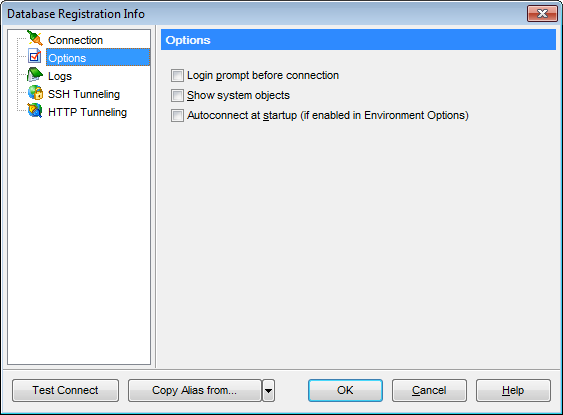
Customize database options according to your needs. The detailed description is given below.
 Login prompt before connection
Enables SQL Query for PostgreSQL to prompt for user name and password each time you connect to the database.
Autoconnect at startup
Check this option to specify that SQL Query for PostgreSQL automatically establishes connection to the registered database at application startup.
Show system objects
This option determines whether PostgreSQL system objects are displayed in the DB Explorer tree.
|
See also: |


































































