Online Documentation for SQL Manager for PostgreSQL
Specifying input parameters
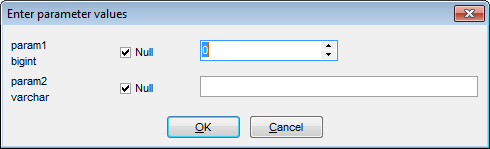
If the stored function has parameters, the Enter Parameter values dialog appears before the function execution. This dialog is provided for browsing the list of parameters of the function and allows you to specify the values for all function parameters. After changes are done, click the OK button to execute the stored function, or the Cancel button to abort the execution.