
Online Documentation for DB Comparer for Oracle
Quick code
 Code completion
If this option is checked, then on typing the first characters in SQL Script Editor you are offered several options for the word completion as a popup list (an analogue of the Code Insight list in Delphi IDE). The code completion list popups after a delay defined by the Delay option.
Code parameters
If this option is checked, the Delphi-like hint for key words is enabled.
Delay (sec)
Using this option you can change the time for code completion popup.
Sort column names
Enable sorting of objects in the popup menu by name.
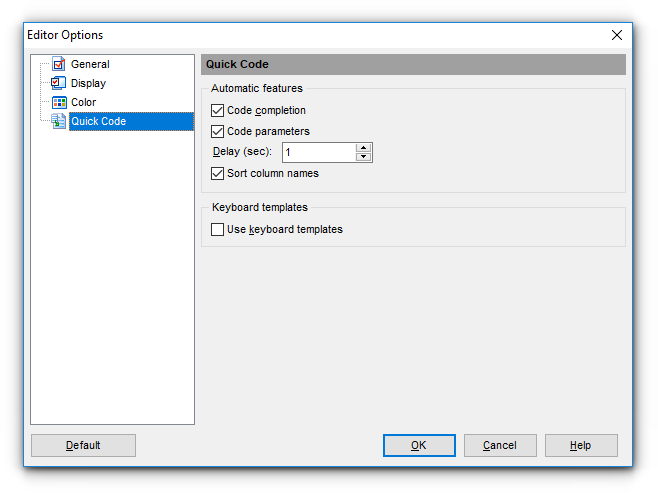
Keyboard templates
Use keyboard templates
Allows you to use keyboard templates for faster typing of regularly used expressions (see Keyboard templates).


































































