
Online Documentation for SQL Manager for MySQL
DB Explorer
General options
 Show hosts in DB Explorer
Shows/hides database hosts in the DB Explorer tree.
Show table subobjects
Shows/hides table subobjects (columns, indexes, etc.) in the DB Explorer tree.
Sort by aliases
Use this option to apply sorting registered hosts and databases by their aliases in the DB Explorer tree.
Rename objects by editing in place
Allows you to edit object names in DB Explorer by selecting any object and clicking its alias one more time.
Refresh objects on showing in SQL Assistant
This option enables/disables refreshing objects each time they are displayed in SQL Assistant.
Auto expand navigation pane
If this option is checked, the list of navigation tabs in DB Explorer is expanded automatically on program launch.
Show hint
Enables displaying of hints for the databases in the DB Explorer tree.
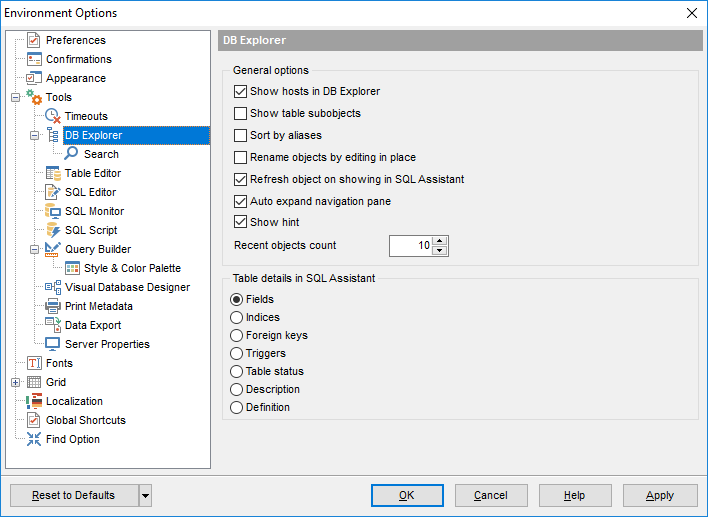
Recent objects count
Defines the number of objects displayed within the Recent menu of the DB Explorer.
Table details in SQL Assistant
These options switch the SQL Assistant mode for displaying table details (columns, indexes, Foreign keys, triggers, table status, description or definition).
|
See also: |


































































