
Online Documentation for SQL Manager for DB2
Select Object dialog
The Select Object dialog appears each time the application requests a database object selection, e.g. upon a root object selection for the Dependency Tree tool, or when choosing an object to be added to a project, or when choosing an object to compare its versions.
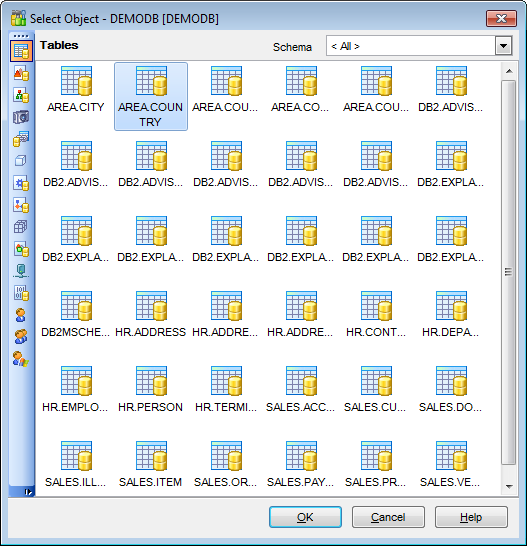
First select the object type in the list on the left-hand side of the window. Use the Schema drop-down list at the top to select the schema, pick the object you need and click OK the apply your selection.


































































