
Online Documentation for SQL Manager for DB2
CLP Console
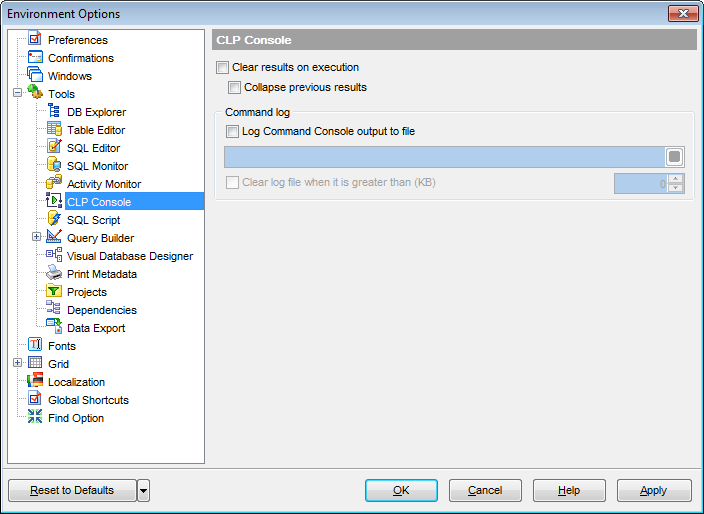
 Clear results on execution
If this option is selected, previous results are cleared upon each command execution.
Collapse previous results
If this option is selected, previous results are collapsed in the code folding manner.
Command log
This group of options allows you to enable logging of all CLP Console results to a file. Check the Log Command Console output to file option, specify the path to the log file using the  button, and enter a name for the *.sql file. To clear the log file after it reaches some definite size, check the Clear log file when it is greater than... option and set the maximum file size (in Kilobytes).
|
See also: |


































































