
Online Documentation for All SQLManager.net Products
Specifying the elements of backup
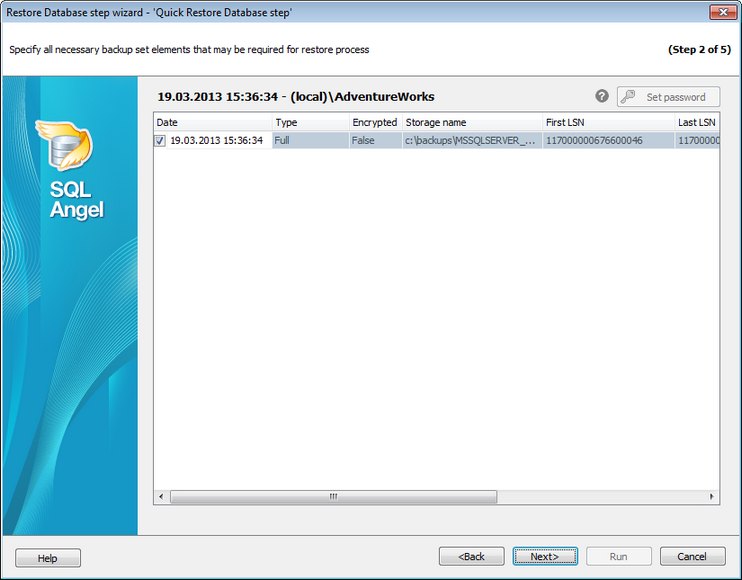
This step allows you to select history that will be used to restore the database. This step is not available if Files has been selected as backup source at the previous step. The order is generating automatically.
Backup set parts necessary for successful database restore process should be selected carefully. Please check that all backups required for full restore are selected.
To work with encrypted backups, enter the password by pressing the Set password button or double-clicking the required backup.
Press the Next button to proceed to the Defining target database parameters step of the wizard.


































































