
Online Documentation for All SQLManager.net Products
Specifying cloud connections
Use this step to set cloud connections for storing backups. You can add unlimited number of remote and local storage engines. Copies of backup files will be uploaded to all of the specified storages.
The connections to the following storages are supported:
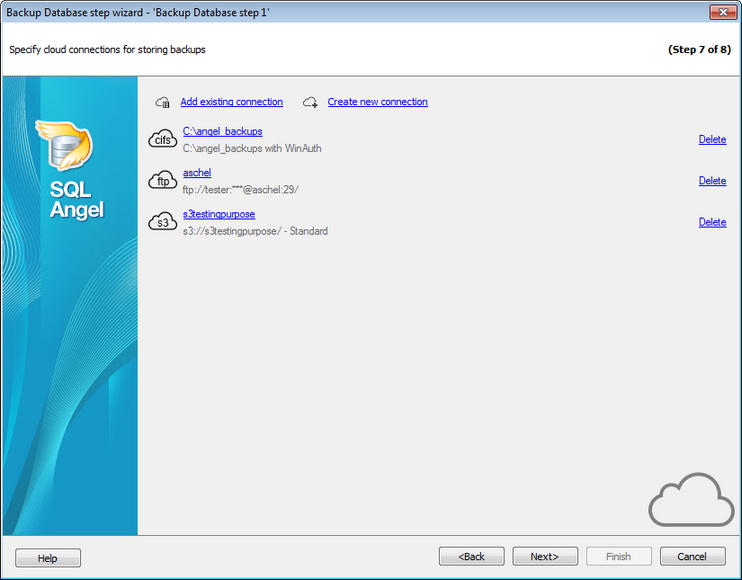
You can create a new connection or add an existing one. On adding an existing connection you will be offered to choose among connections specified in Cloud Connections tab of the Options dialog.
If you create a new connection then after specifying its properties you will be offered to save it, so this connection will be available in Cloud Connections.
To change connection parameters click on its name. Depending on connection type the relevant dialog for configuring connection settings will be opened.
Note: If the backup file with the specified name already exists in the storage then it will not be replaced and the upload will be failed.


































































