
Online Documentation for All SQLManager.net Products
Define a set of steps for service task
Use this step of the wizard to build a list of steps in execution order to be performed on task launch.
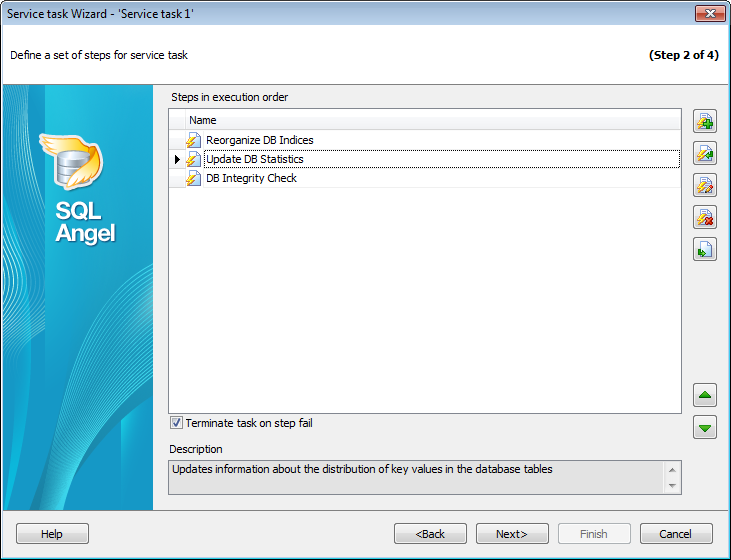
 Create new step - create a new step. You will be prompted to select Step type in the dialog and proceed to the Create step wizard.
 Create step from template - create step from the template. The list of step templates will be open in this case allowing you to select any of the available templates and create a step based on its settings. If you select several step templates the corresponding number of steps will be created.
 Edit step - change step settings.
 Delete step - remove the step.
 Copy step to templates - create a template based on the selected step.
You can view each step Description, if any, in the corresponding field.
Use  and
and  buttons to reorder Steps.
 Terminate task on step fail
If this option is checked then the execution of a whole task is aborted as a result of one of the steps fail.


































































