
Online Documentation for All SQLManager.net Products
Name and description
At this section you can view and edit policy name, description and time preference.
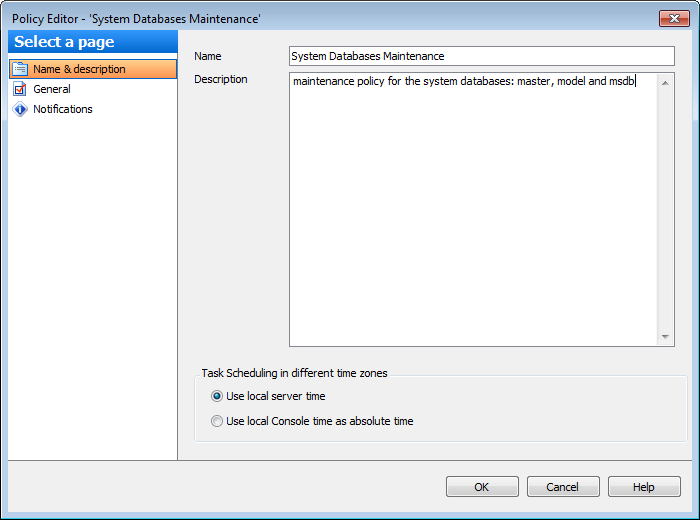
Name
Edit policy name in this field.
Description
Edit brief info for the created policy.
Task Scheduling in different time zones
These options specify what time zone is used for policy task launch if its servers are located in different time zones. If tasks are to start at specific server time (for example, when server is idle) we recommend to select local server time, otherwise select local console time.
 Use local server time
Use this option to launch policy tasks according to the local time on each server.
Use local Console time as absolute time
Use this option to launch policy tasks at the time corresponding to the local console time. It allows easy control over policy status.
The bottom panel shows errors and warnings for all sections of the policy, if any.


































































