
Online Documentation for All SQLManager.net Products
E-mail deactivation
This step appears only in case the  Dectivate EMS SQL Angel License by e-mail option was selected on the first step.
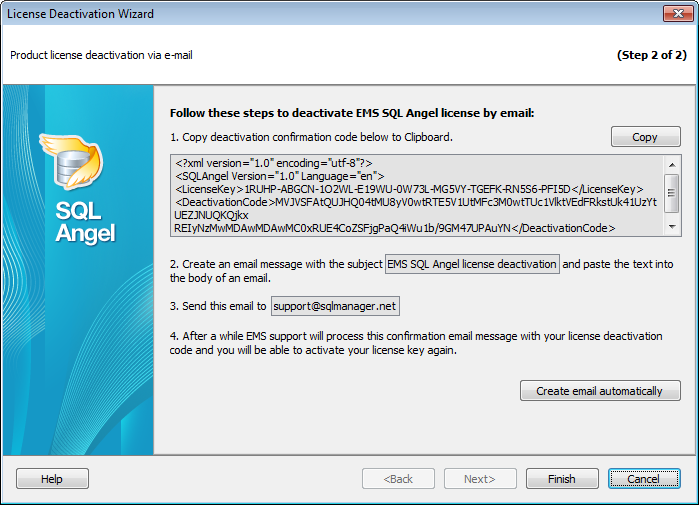
To perform license deactivation via e-mail follow these steps:
- Copy deactivation confirmation code below to Clipboard.
- Create an email message with the subject "EMS SQL Angel license deactivation" and paste the text into the body of an email. Send this email to support@sqlmanager.net.
- After a while EMS support will process this confirmation email message with your license deactivation code.
- Make sure that the license status in the Members Area has switched to Inactive.
If you press the Create email automatically button the required message will be generated automatically in the default email client.


































































