
Online Documentation for All SQLManager.net Products
Creating Steps
Step in EMS SQL Angel is a basic component of server maintenance:
To perform immediate Step execution use  Quick Maintenance Actions | <Step name> popup menu item in the Servers tab.
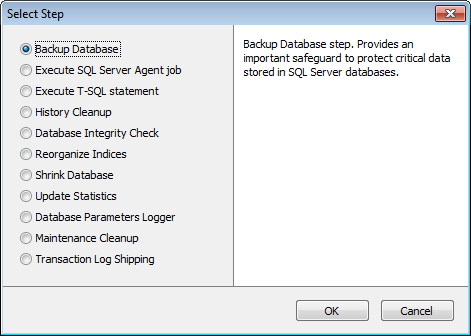
Step should be included into Policy for scheduled execution. To add a Step to Policy you need to specify the Step at Step 2 of the Policy creation wizard at the Policies tab.
To create a Step Template or add a Step to the Policy or Task template go to the Templates tab.
|
See also: |


































































