
Online Documentation for All SQLManager.net Products
Server folder dialog
SQL Server Folders dialog allows you to browse directories on the server.
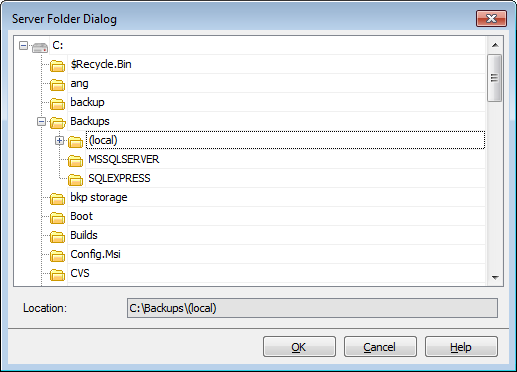
This dialog is opened on selecting server backups folder in:
- Backup settings tab of the Service properties dialog;
- Setting file options step of the Backup Database wizard and Backup file options tab of the Backup database step editor;
- Selecting available backup step of the Restore Database wizard;
- Selecting files/folders for cleanup step of the Maintenance Cleanup wizard and Selection tab of the Maintenance Cleanup step editor;
- Specifying backup options and Specifying folders and recovery options steps of the Transaction Log Shipping wizard and General tab of the Transaction Log Shipping step editor.


































































