
Online Documentation for All SQLManager.net Products
Schedules
The Schedules section allows you to view and edit schedule(s) for task execution.
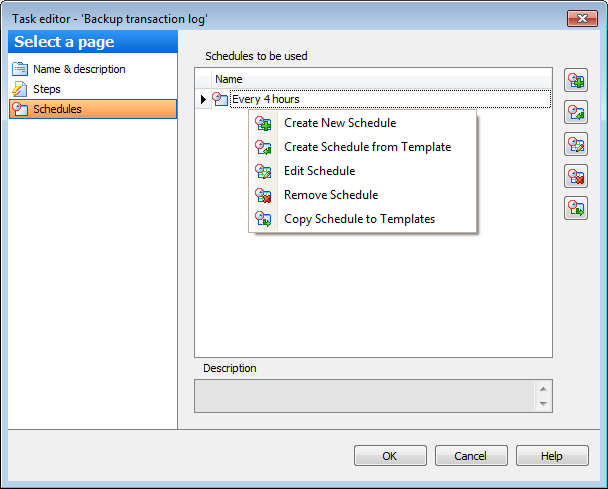
 Create new schedule. This button opens the Schedule Editor allowing you to create a schedule.
 Create New Schedule from Template. Use this button to create schedule from template. On pressing this button the Item selection dialog is opened allowing you to select any of the available templates or create a new one.
 Edit Schedule. This button opens selected schedule for editing.
 Delete Schedule. Click this button to remove selected schedule from the list.
 Copy step to templates. Use this button to create a template based on the selected schedule.
You can view each step Description, if any, in the corresponding field.


































































