
Online Documentation for All SQLManager.net Products
Configuring connection settings
Use this step of the wizard to provide connection settings. This step appears only in case the  Activate EMS SQL Angel License online option was selected on the first step.
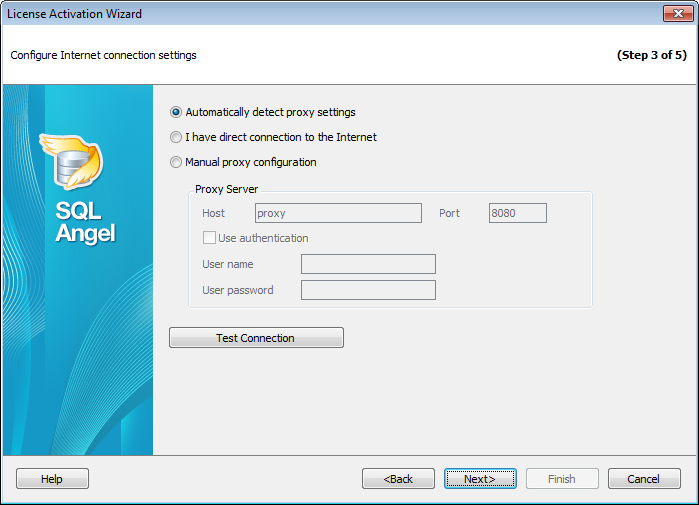
Choose one of three options:
Automatically detect proxy settings
I have direct connection to the Internet
Manual proxy configuration
Proxy Server
If you have chosen to configure proxy manually then use this group of options to set the following proxy server parameters: host, port, user name and user password (if the  Use authentication option is checked).
Click the Test connection button to check connection to the proxy server with the settings defined above.


































































