
Online Documentation for SQL Manager for Oracle
Duplicate Object Wizard
Use the Duplicate Object Wizard to create a new database object of the same type and having the same properties as one of the existing ones.
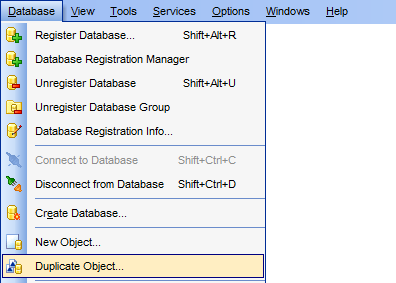
To run the wizard, select the Database |  Duplicate Object... main menu item, or right-click an object of the desired type in the DB Explorer tree and use the Duplicate <object type> <object name>... context menu item.
- Selecting the source database
- Selecting object to duplicate
- Selecting destination database
- Modifying the new object's definition
|
See also: |


































































