
Online Documentation for Data Export for SQL Server
Step 4 - Selecting export data format
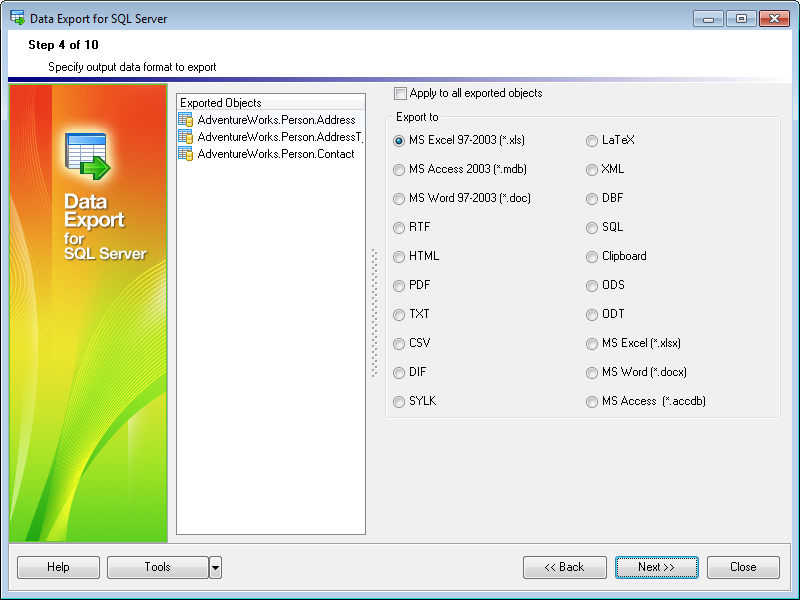
At this step you should select the destination format for exporting data.
Select a table or query in the Exported Objects list and set the appropriate option to select one of available output data formats: MS Excel 97-2003, MS Access 97-2003, MS Word 97-2003, RTF, HTML, PDF, TXT, CSV, DIF, SYLK, LaTeX, XML, DBF, SQL, Clipboard, ODS, ODT, MS Excel, MS Word, MS Access. For details refer to Supported file formats.
Hint: If more convenient, you can check the  Apply to all exported objects box to set the specified destination format for all exported objects.
When you are done, press the Next button to proceed to the next step.


































































